Instant next move
Enter the current hand and get the recommended blackjack action quickly.
The CardCaptain
Built for live blackjack situations, CardCaptain helps you make the right move faster.
Why players use CardCaptain
CardCaptain is built to keep you moving from one hand to the next with less hesitation and less friction.
Enter the current hand and get the recommended blackjack action quickly.
The flow is designed for real table pace, whether you are on mobile or desktop.
Start as a guest, create a free account for more daily hands, or unlock Pro Mode.
How it works
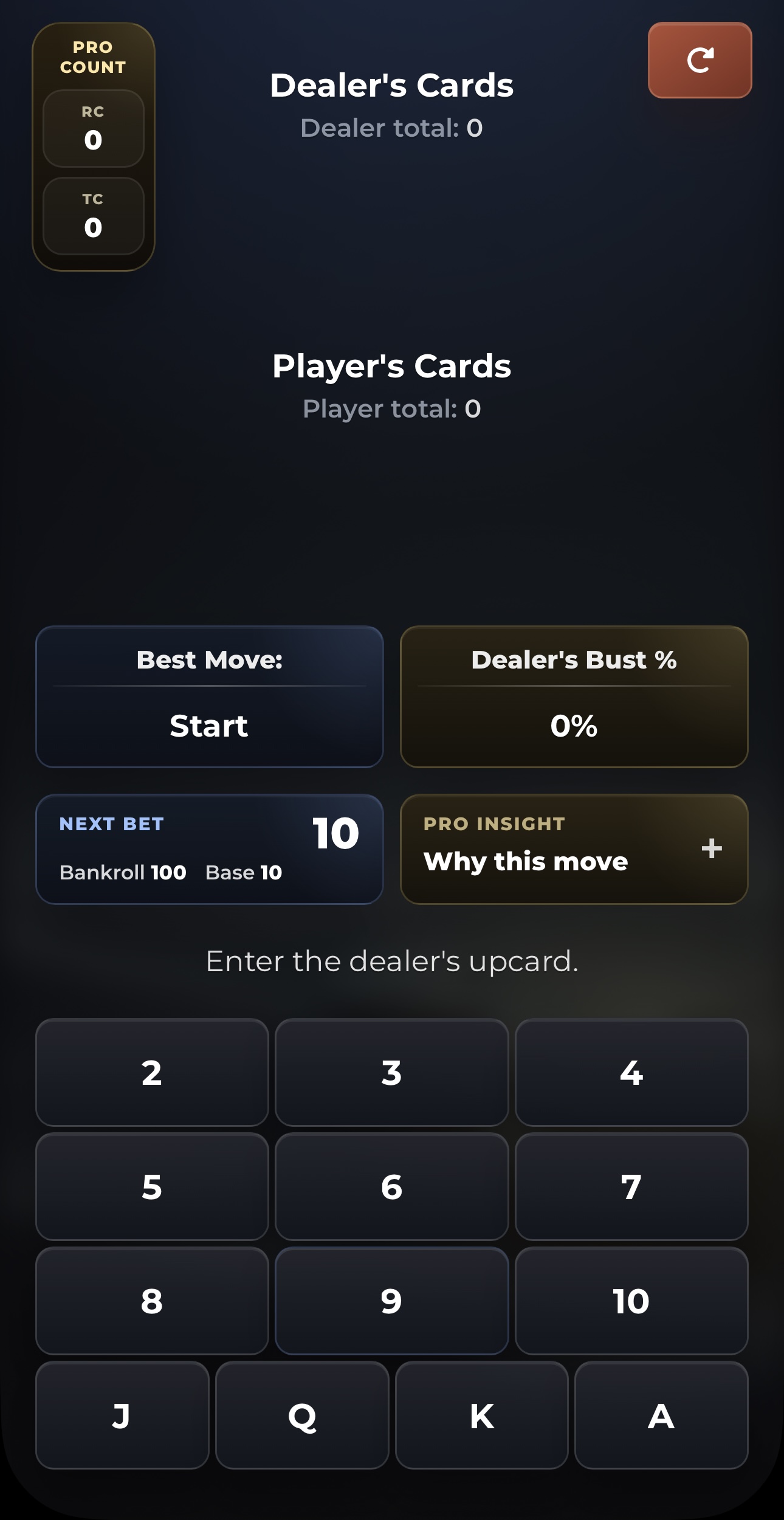
Enter the dealer's card to start.
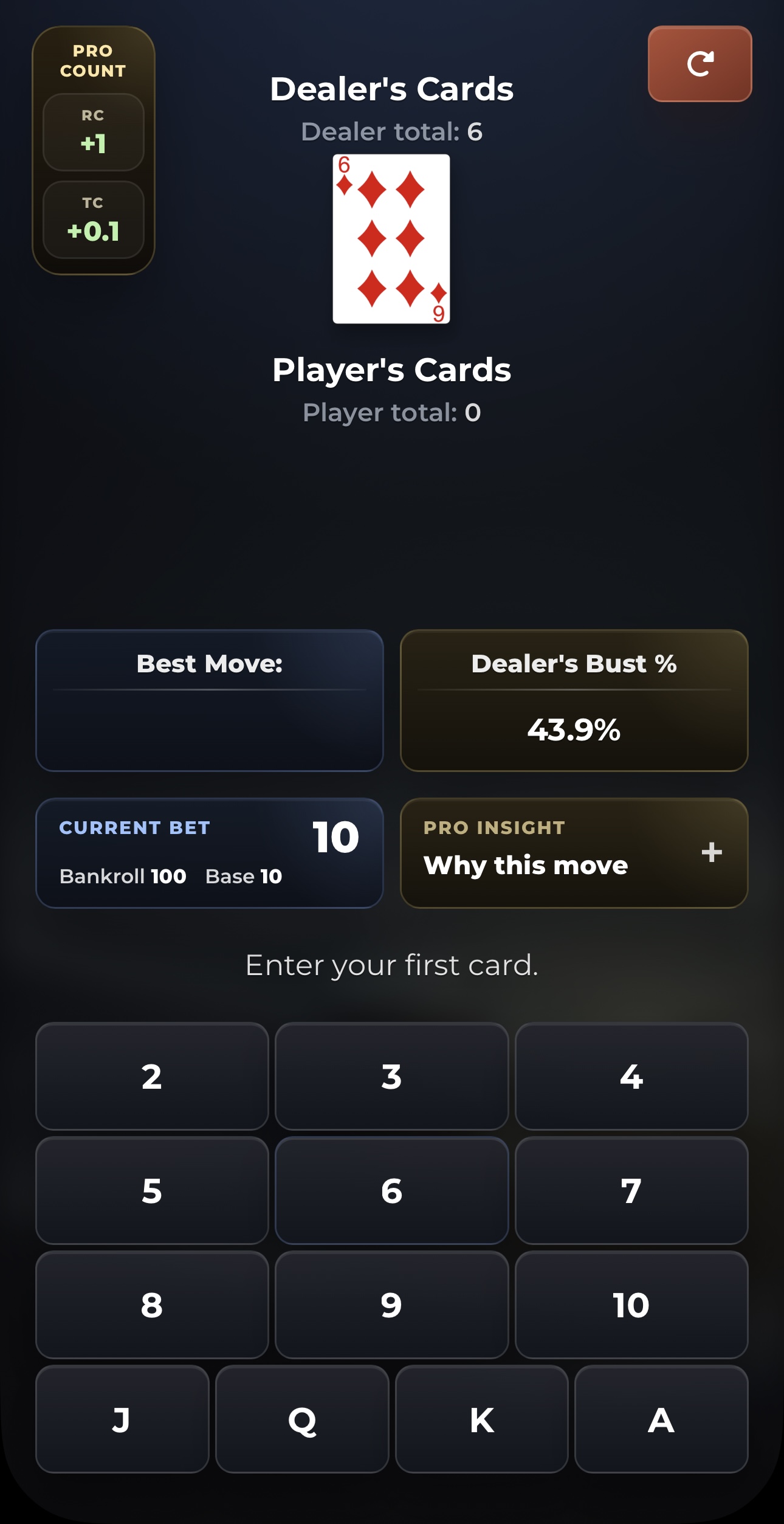
Enter your cards to add your hand.
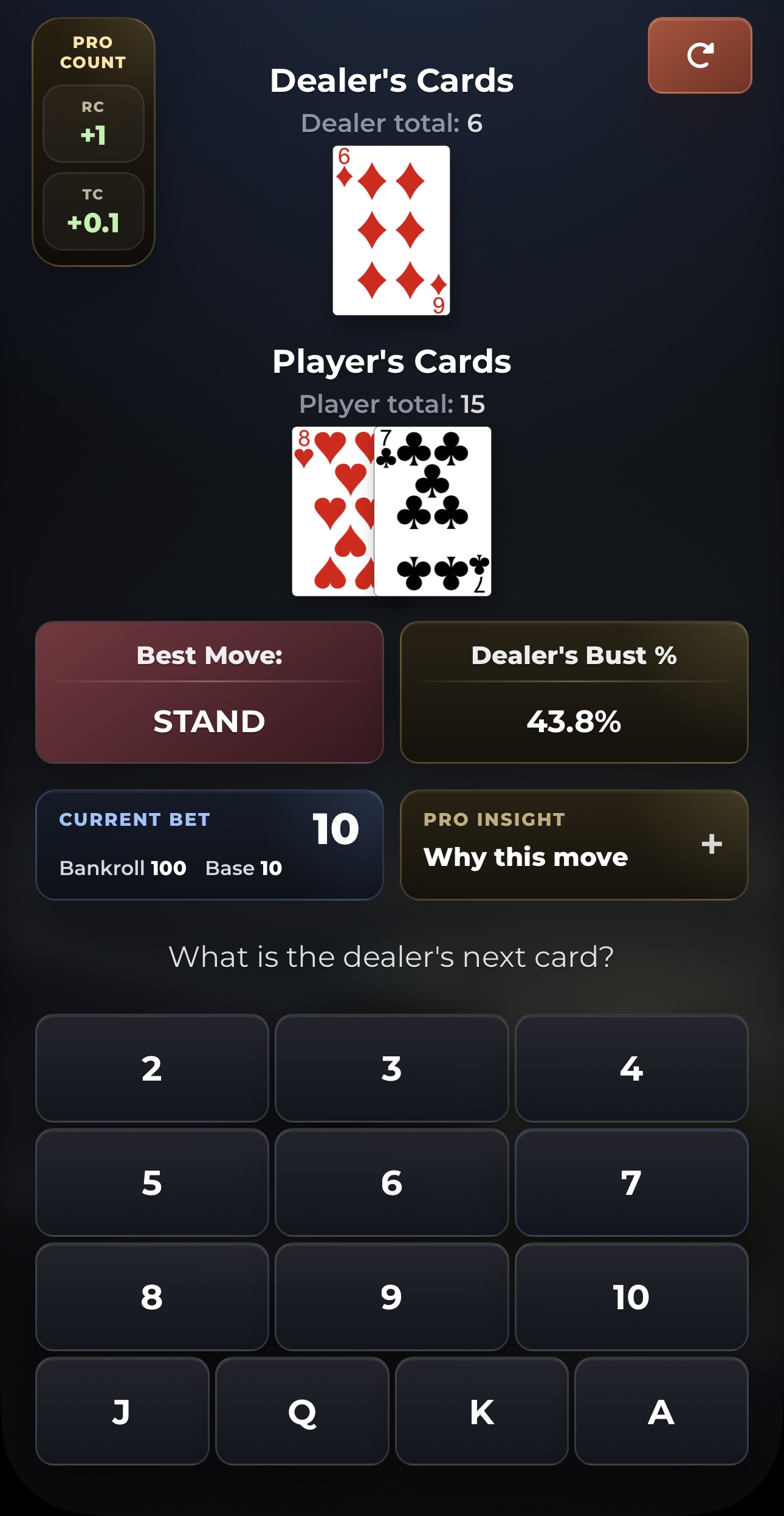
Follow the best move on the screen.
Start free
Try the app instantly as a guest, create a free account for more daily hands, or unlock Pro Mode.
Perfect for first-time users who want to open the app and try it immediately.
Use your email to create a web account and keep your daily allowance tied to it.
Get unlimited hands and advanced tools designed for stronger, more confident decisions.
Start now
Open the app instantly as a guest, or create a free account to unlock 10 more hands every 24 hours.
FAQ
CardCaptain is a blackjack decision tool built to help you quickly choose the recommended move for the live hand you are currently playing.
You enter the dealer's upcard and your own hand, and CardCaptain returns the recommended next move for that situation.
No. You can start as a web guest. If you want more free hands later, you can create a free account with your email.
The web guest experience gives you 5 free hands so you can test the product immediately.
A free account unlocks 10 more free hands every 24 hours and keeps your web access tied to your email address.
Yes. The Telegram Mini-App remains available and is linked directly from the website for users who prefer that route.
No. CardCaptain opens directly in your browser, so you can use it without installing a separate app.
Open the web app, start with the guest flow, and enter your current hand. If you want more hands after that, create a free account from the website.